Patch notes
Slay the Spire 2 Early Access Patch Tracker
How to read patch notes, tier-list movement, and low-confidence recommendations during Early Access.
What changes first after a patch
Patch notes usually change card evaluations first, relic evaluations second, and character rankings only after enough runs show whether the new support actually appears often enough. The tracker should help readers understand which pages are already updated and which claims still need run evidence.
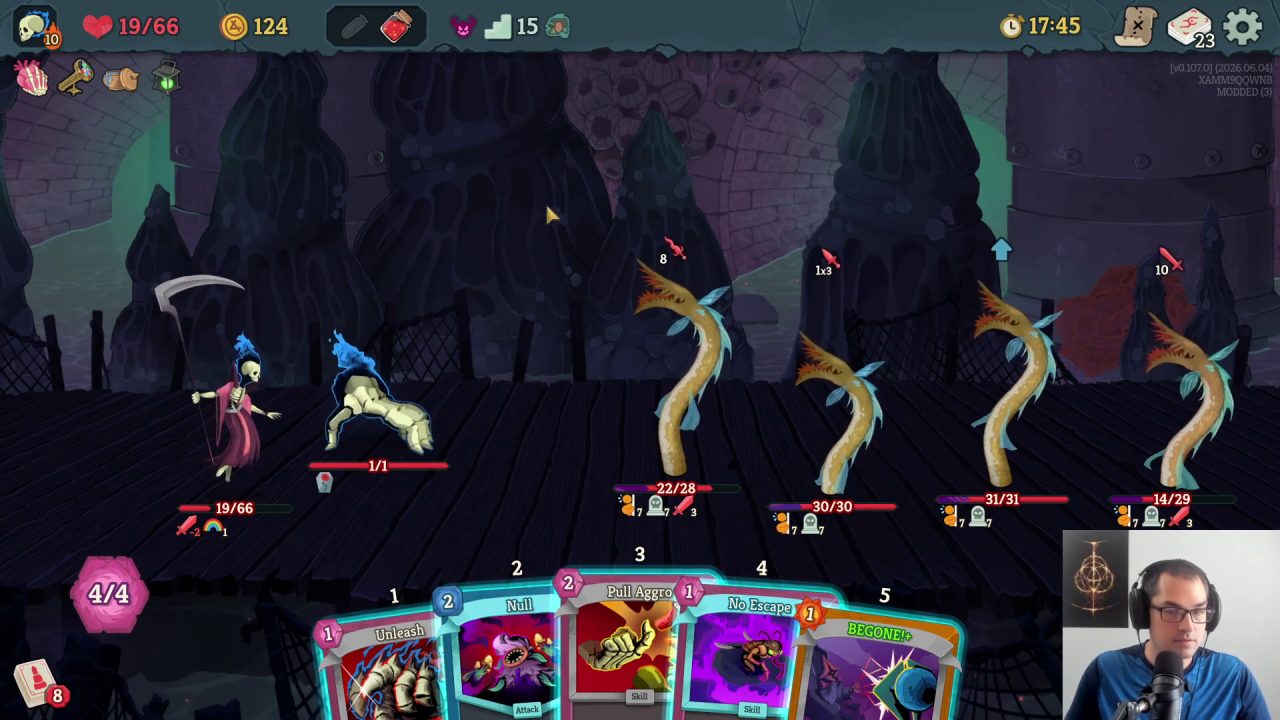
- Update changed cards and relics immediately.
- Mark character rankings as provisional after major patches.
- Recheck boss guides when a patch changes draw, energy, or sustain.
Patch review order
When a patch lands, update pages in the order that prevents the most bad advice. Changed cards and relics come first because they affect search traffic and reward decisions immediately. Boss pages come next when the patch changes survival windows. Character tier movement should wait until enough runs show that the new assumptions are repeatable.
- Immediate: changed cards, changed relics, and changed boss mechanics.
- Next: tier-list notes that depend on those changed items.
- Later: character placement after multiple reviewed runs.
Version impact matrix
Use this matrix before changing live advice. A patch can be current, archived, review-needed, or blocked by missing evidence. The page should say which bucket a change belongs to so readers understand whether a recommendation is live advice or a watch item.
- Live: the latest patch and repeated run evidence agree; update the affected card, relic, boss, or guide page.
- Archived: older footage explains history but should not override the current tracked version.
- Review-needed: the patch changed a number, mechanic, or support density, but combat proof is still thin.
- Blocked: the claim depends on unofficial speculation, unclear footage, or missing source attribution.
Page update queue
After every version change, route work into a visible queue: changed cards, changed relics, boss danger windows, character build pages, then tier-list summaries. This keeps high-traffic pages from moving faster than the evidence and gives readers a trail for why rankings changed.
- Cards: update pick conditions and old-assumption warnings first.
- Relics: update the run decision the relic changes, not only the tier letter.
- Bosses: update danger-window and potion-plan notes when setup speed changes.
- Characters and tier lists: move broad rankings only after enough runs repeat the pattern.
Rollback rule for bad patch reads
If a patch interpretation turns out too aggressive, do not silently delete the note. Move it into the archive lane, explain what evidence failed, and restore the safer recommendation. Readers should be able to see whether a page changed because of a balance patch, better footage, or a corrected assumption.
Version-specific footage audit
Patch videos should be split by version before they influence recommendations. A v0.105.0 review can support a patch-history note, but it should not override a newer run without a visible reason. For every important change, capture the old assumption, the changed card or relic, and the page that needs follow-up after newer footage is reviewed.
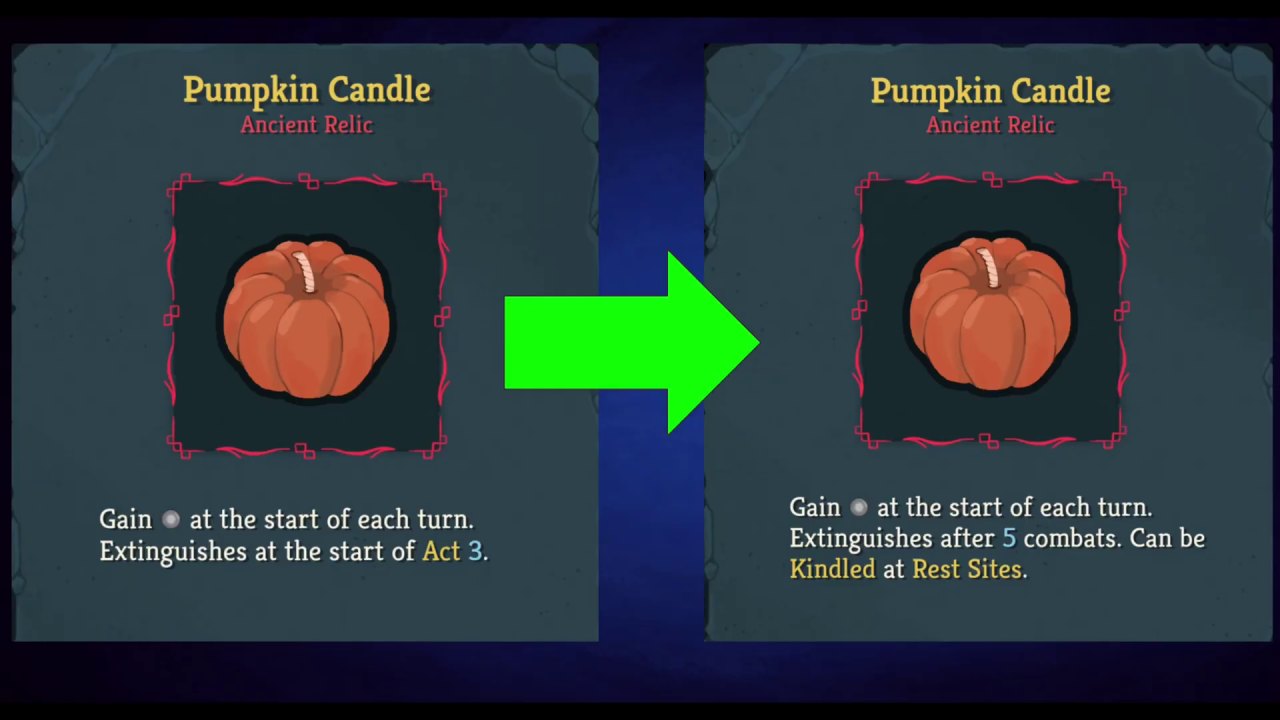
- Label patch-source notes by version before merging them into live pages.
- Keep confirmed changes separate from streamer opinion and tier speculation.
- Add follow-up tasks when a patch affects high-traffic character or card pages.
Pre-patch footage belongs in an archive lane
Pre-patch videos are still useful, but they should not be treated as current proof. The patch tracker should keep them as comparison material: what the old deck expected, which card or relic assumption changed, and which guide page needs a visible warning before readers copy the line.
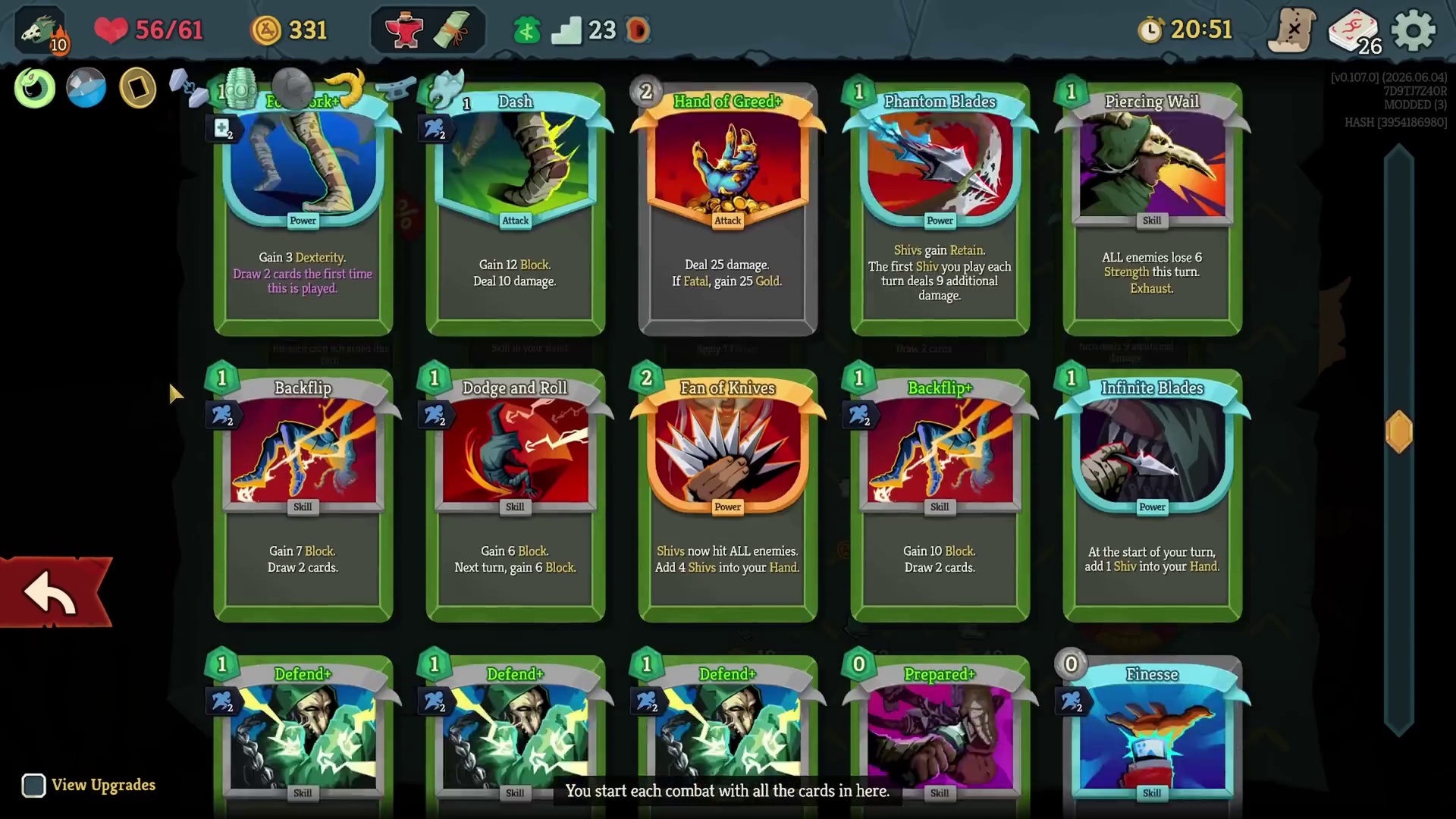
- Label pre-patch clips before using them on current character or card pages.
- Turn changed assumptions into warnings instead of deleting the historical note.
- Prioritize high-traffic Silent, Regent, and relic pages when a patch changes repeated advice.
Tier movement needs repeatable run evidence
A character or card can move quickly after a patch, but the tracker should require more than a confident tier-board claim. Use updated tier footage to create review tasks, then confirm whether the same pick logic appears in multiple runs, multiple routes, or multiple boss matchups before the live tier list moves.
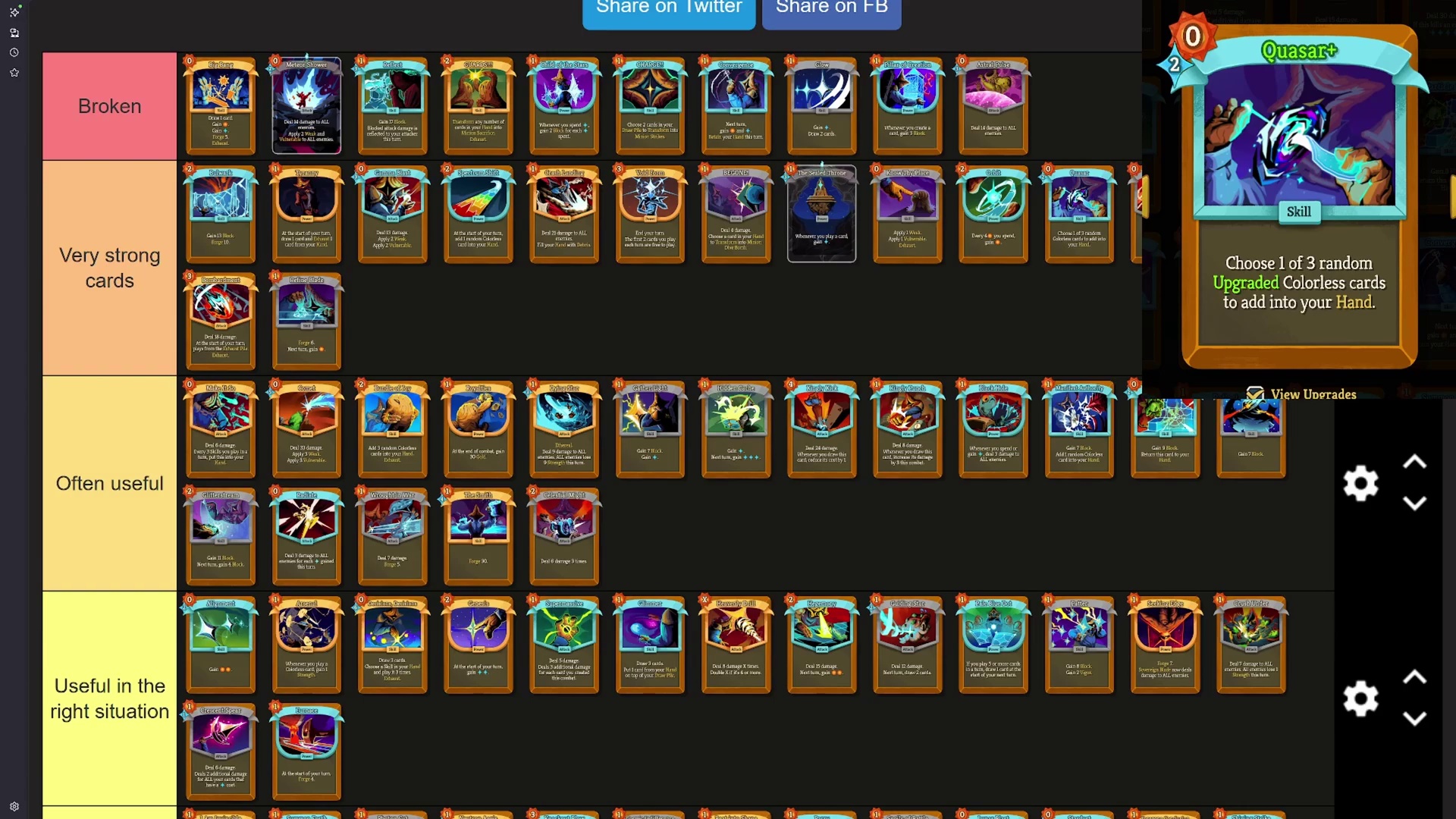
- Record what moved, why it moved, and which patch introduced the new assumption.
- Require repeated run evidence before raising broad character-tier confidence.
- Route single-card movement into card notes first, then character pages after the pattern repeats.
Patch-sensitive relic tiers
Updated relic tier footage belongs in the patch tracker before it changes live relic rankings. If one relic family moves, capture the old assumption, the new interaction, and the kind of run that proves the change. This prevents a single exciting tier-board update from rewriting every relic note without enough context.
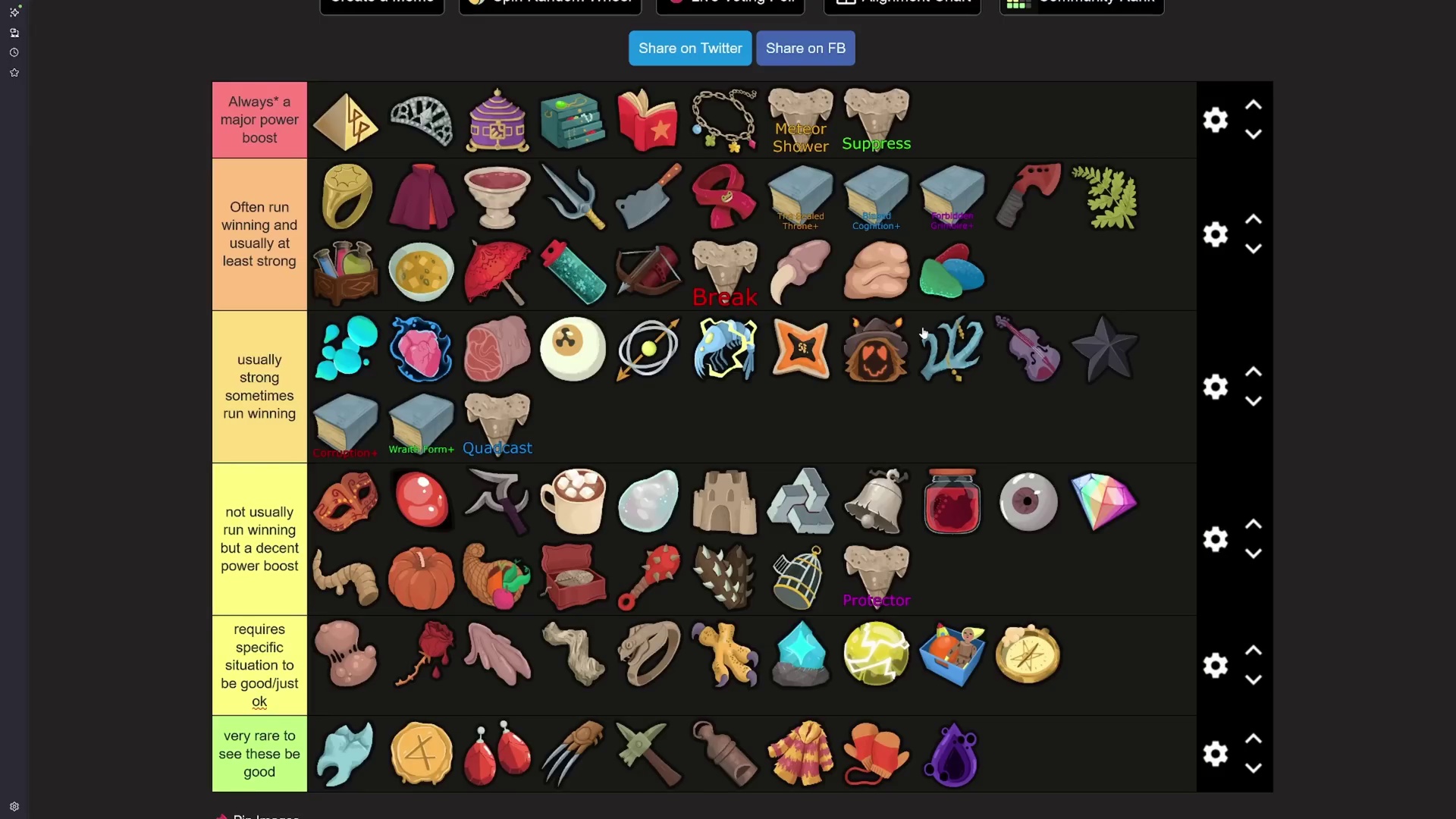
- Route changed relic claims into relic pages only after the affected decision is clear.
- Keep relic-family updates separate from general character-tier movement.
- Mark whether a relic changed because of numbers, support density, or matchup pressure.
Patch-sensitive Necrobinder cards
Necrobinder patch footage should be handled carefully because the character depends on resource timing and companion safety. A card that moves after a patch may change beginner advice, advanced route advice, or only one combo line. The tracker should say which layer moved before the character page changes its main recommendation.
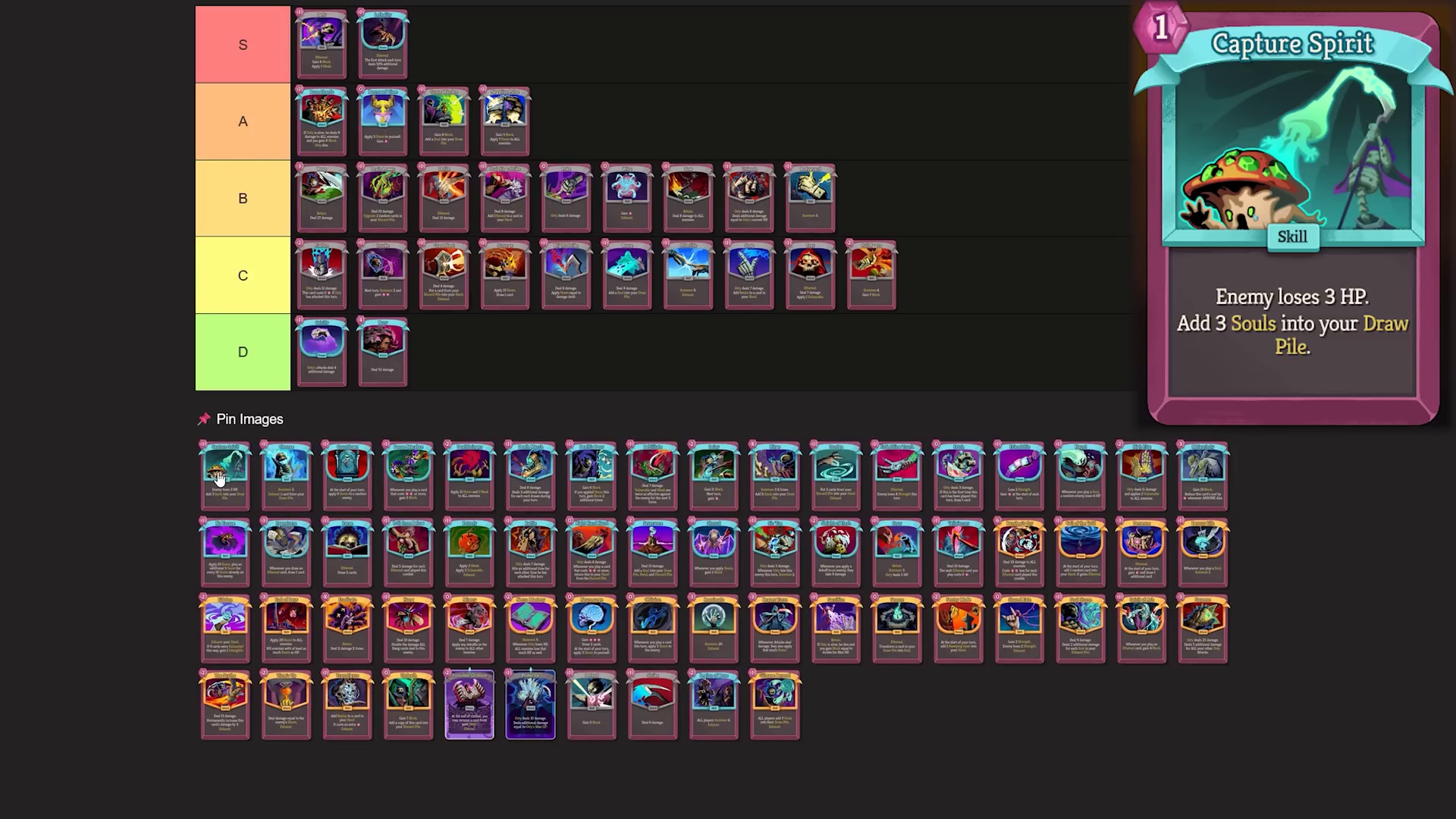
- Label whether the changed card affects survival, payoff, or consistency.
- Update card notes before raising confidence on the whole character page.
- Use repeated run evidence before turning a patch-tier claim into a default build rule.
Patch rundown screens become change tickets
A patch-rundown video is most useful when the screen shows the changed object and the creator explains the practical consequence. Convert that moment into a change ticket: which card, relic, character, or boss page is affected; what assumption changed; and what kind of run evidence is still needed before the public recommendation moves.
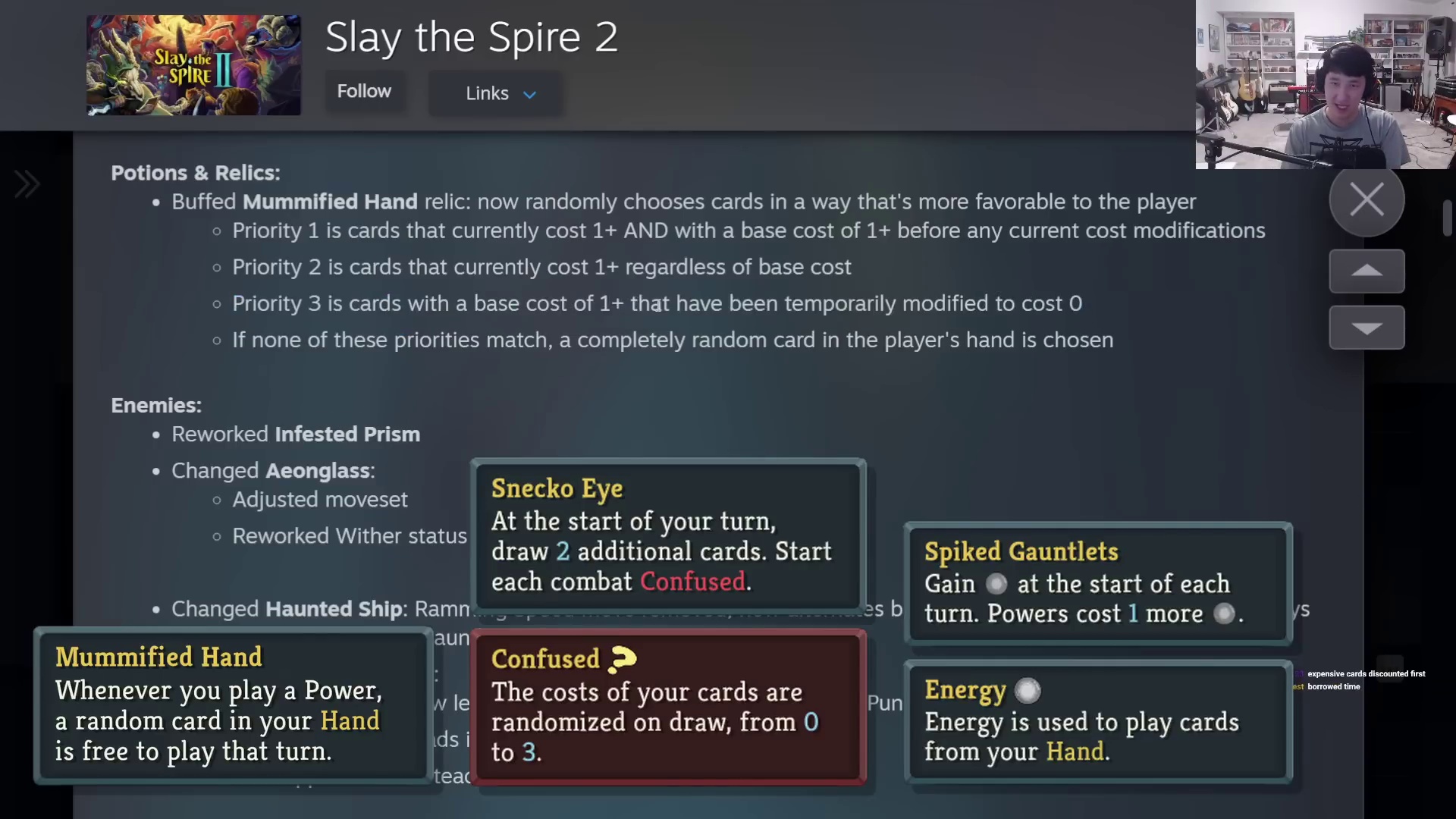
- Capture the exact changed object before writing broader meta commentary.
- Send object-level changes to card or relic pages before character rankings move.
- Keep the tracker as the place where uncertain patch effects are visible.
Versioned changes need visible scope
Version-labeled patch footage helps readers understand why two guides may disagree. A v0.107.0 change can make an older tier note useful as history but unsafe as current advice. The page should make that scope visible so search visitors can tell whether a recommendation is live, archived, or waiting for more run review.
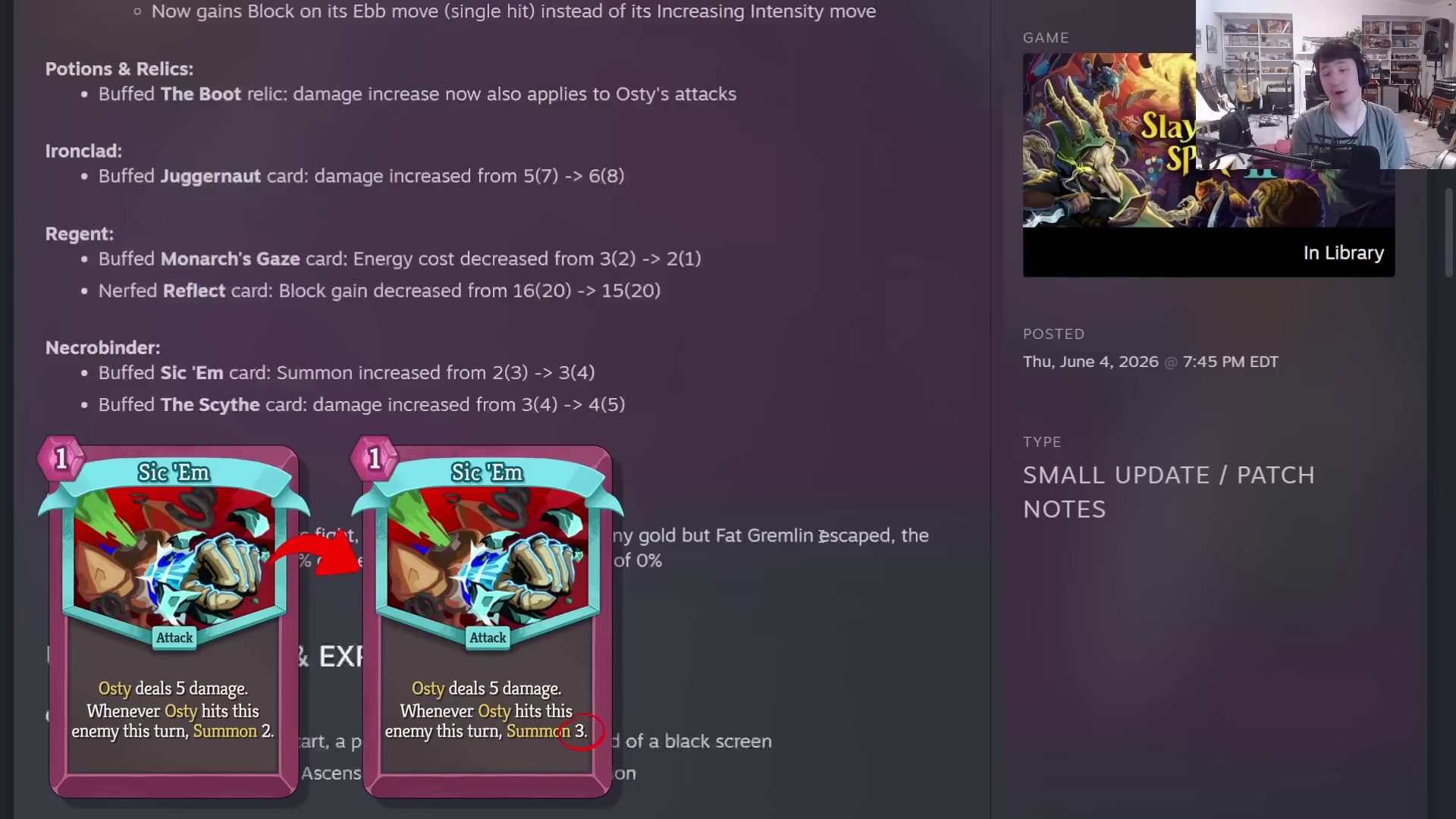
- Label advice as live, archived, or review-needed after major patch footage.
- Use version notes to protect high-traffic tier pages from stale claims.
- Update source links so readers can trace why a page changed.
News roundups become triage queues
Broad strategy-news videos should not overwrite guide advice on their own. Use them to identify what changed in player attention: which patch topic is driving searches, which mechanic needs a clearer explanation, and which existing screenshots or guide notes may now be stale. The patch tracker then turns that attention into a review queue before recommendations move.
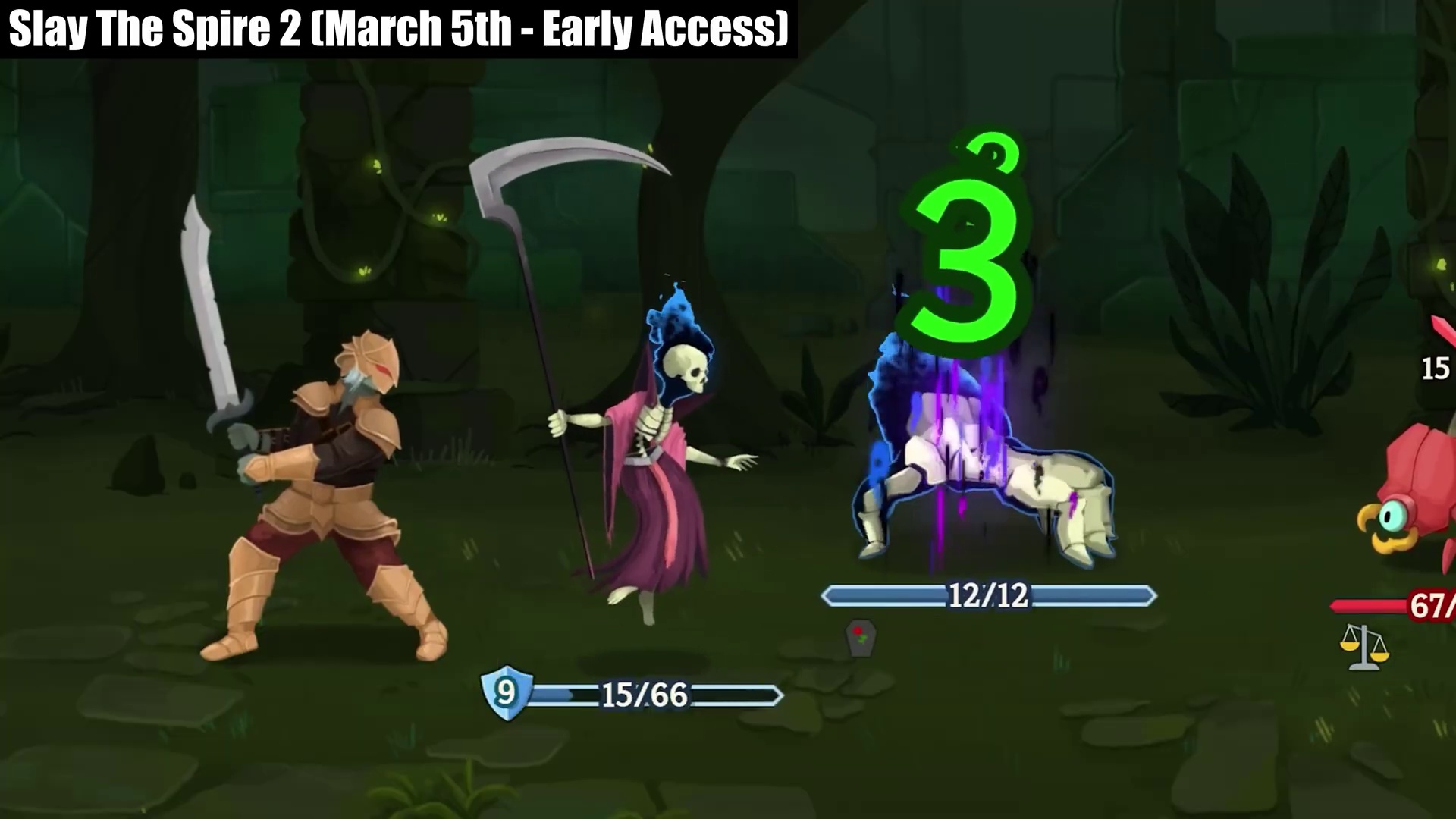
- Separate official update facts from creator commentary before editing guides.
- Route broad news topics into affected character, card, relic, or boss pages.
- Use traffic spikes as a reason to refresh page context, not as proof that a tier changed.
Developer-letter footage needs confirmation labels
Newsletter and update-preview videos can point to future content, but the article should label the evidence carefully. A visible combat clip or creator explanation can support a watch item; it should not become a confirmed roadmap claim unless the source itself is official and current. For SEO pages, the safest move is to explain what readers should check next.
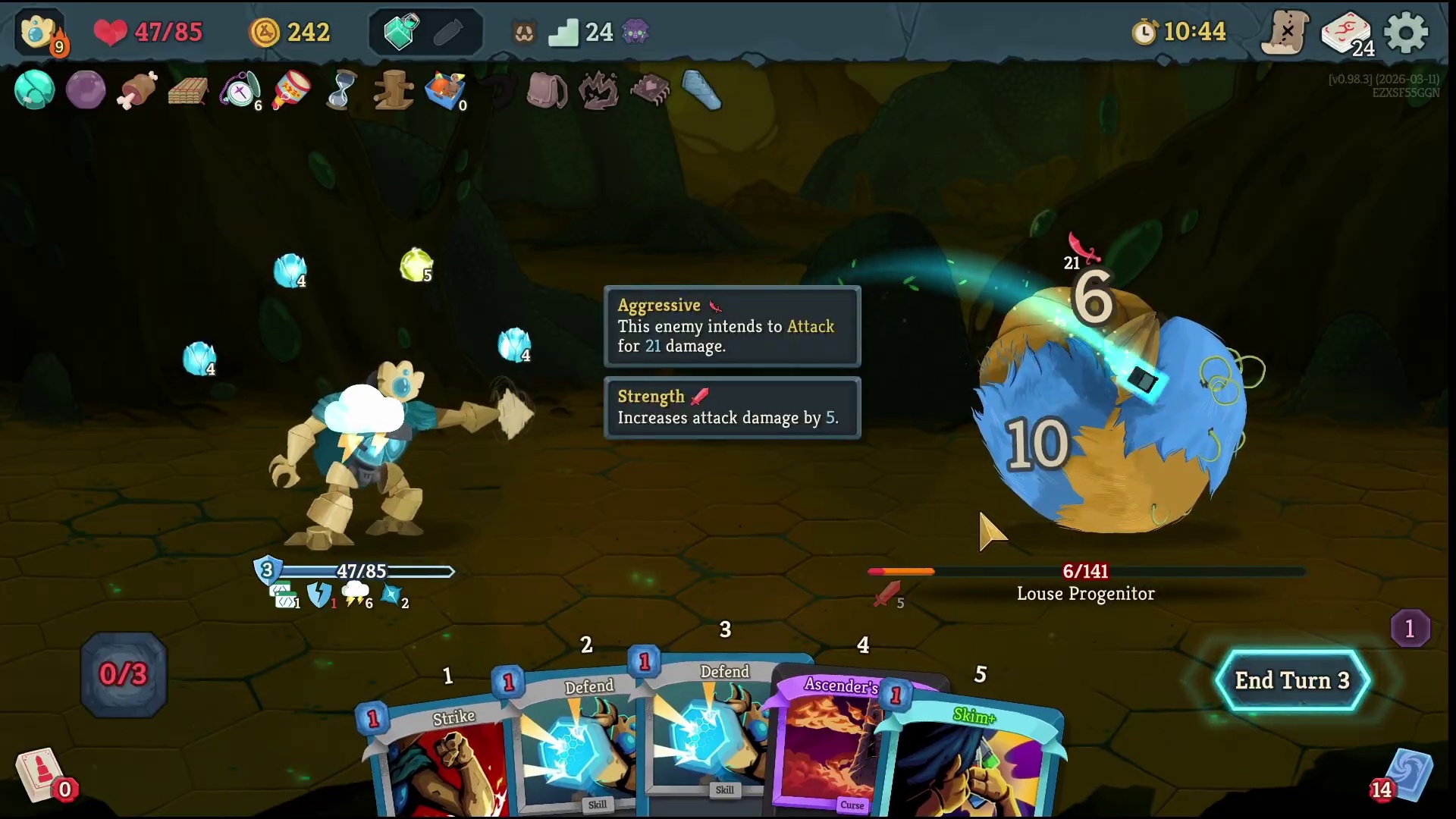
- Label future-content notes as confirmed, speculative, or review-needed.
- Avoid changing roadmap pages from commentary clips alone.
- Create follow-up tasks for pages affected by any officially confirmed update.
Current volatile-page review queue
The fastest way to keep Early Access advice trustworthy is to name the pages that should be checked after every patch. This queue covers cards, relics, and one character hub where rankings can move quickly. Do not rewrite these pages from patch excitement alone; each item needs a reason label and current evidence before the public recommendation becomes stronger.
- Fasten: compare pre-patch Silent footage with current-patch support density before raising the card.
- Crash Landing and Neow's Fury: label whether movement comes from balance numbers, better route understanding, or repeatable fight control.
- Perfect Souls: verify setup safety, defense, draw, and boss timing before turning the payoff into a default Necrobinder build rule.
- Regent: update card-level notes before moving the broad character tier or beginner recommendation.
- Wax Seal and Nonupeipe Relics: keep exact mechanics and family-level movement as needs verification until current footage proves the run decision changed.